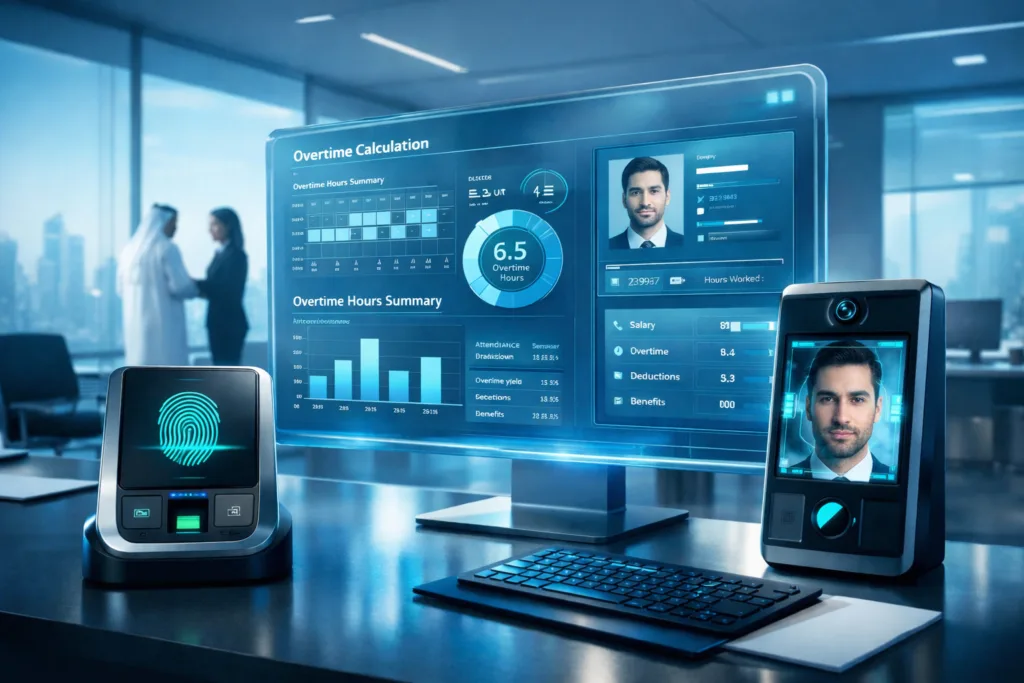

In today’s fast-evolving business environment where regulatory requirements are tightening and competition for talent is increasing payroll and attendance management is no longer just a routine administrative task. It has become a strategic function that directly impacts financial stability, employee satisfaction, and regulatory compliance.
Payroll and attendance automation means moving from manual spreadsheets and Excel files to an integrated digital system that accurately calculates working hours, allowances, deductions, leave balances, and salaries automatically while aligning with company policies and local labor regulations.
In this comprehensive guide, we will cover:
What payroll and attendance automation means
The difference between traditional and automated management
Key benefits for companies of all sizes
How automated payroll calculation works
Integration with biometric devices and HR systems
Legal and regulatory compliance
Steps to successfully implement automation
Common mistakes and how to avoid them
First: What Is Payroll and Attendance Automation?
Payroll and attendance automation is the use of a digital system to manage:
Employee attendance and time tracking
Overtime calculation
Leave and absence management
Fixed and variable salary calculations
Deductions and allowances
Payslip generation
Electronic salary transfers
Instead of HR staff manually collecting and calculating data, the system automatically processes inputs and produces accurate payroll results.
Second: Why Do Companies Need Payroll Automation?
1. Reducing Human Errors
Payroll mistakes can lead to legal issues and loss of employee trust. Automation minimizes errors to near zero.
2. Saving Time
Manual payroll processing can take days. Automation reduces it to minutes.
3. Ensuring Compliance
The system can automatically apply statutory deductions and regulatory updates.
4. Increasing Transparency
Employees can clearly see how their salaries are calculated, improving trust.
5. Real-Time Reporting
Instant insights into payroll costs, attendance, absenteeism, and workforce productivity.
Third: Traditional vs. Automated Management
| Aspect | Traditional Management | Automated Management |
|---|---|---|
| Attendance tracking | Manual or spreadsheets | Biometric devices or mobile apps |
| Payroll calculation | Manual calculations | Instant automated processing |
| Reporting | Prepared manually | Real-time reports |
| Error rate | Relatively high | Very low |
| Compliance | Depends on staff | Built into the system |
Fourth: How Payroll Automation Works
The automated process typically follows these steps:
Employees clock in/out via biometric device or mobile app
Data is automatically transmitted to the system
Actual working hours are calculated
Late arrivals and deductions are computed
Overtime and allowances are added
Statutory deductions are applied
Electronic payslips are generated
Bank transfer files are exported
All of this happens according to predefined company rules.
Fifth: Integration with Biometric Devices and Applications
Modern automation systems integrate with:
Biometric fingerprint devices
Facial recognition systems
GPS-based attendance apps
HR management systems
Accounting and ERP platforms
This integration ensures payroll is directly linked to actual attendance, preventing manipulation and improving accuracy.
Sixth: Payroll Automation for Multi-Branch Companies
Companies with multiple branches face additional challenges such as:
Different working hours
Different holiday calendars
Regional variations
An automated system can manage these differences through flexible branch-level configurations while providing centralized reporting for executive management.
Seventh: Legal and Regulatory Compliance
Compliance is one of the strongest drivers for payroll automation.
A robust system can:
Apply social insurance calculations
Calculate taxes according to regulations
Maintain secure electronic records
Generate official reports when needed
This significantly reduces legal risks and penalties.
Eighth: Common Challenges During Automation Adoption
1. Resistance to Change
Solution: Provide proper training and involve employees early.
2. Legacy Data Migration
Solution: Use a phased migration plan with data validation.
3. Choosing the Wrong System
Solution: Conduct a proper needs assessment before selection.
Ninth: How to Choose the Right Payroll Automation System
When evaluating solutions, ensure the system supports:
Multi-branch operations
Flexible overtime rules
Integration with accounting
Detailed reporting
High data security
Reliable local support
Tenth: Return on Investment (ROI)
Payroll automation typically delivers:
Up to 80% reduction in processing time
Lower financial errors
Reduced administrative costs
Higher employee satisfaction
Faster decision-making
What initially appears as a cost quickly becomes a long-term strategic investment.
Eleventh: The Future of Payroll Automation
Emerging trends include:
AI-driven workforce analytics
Predictive payroll cost forecasting
Advanced absenteeism analysis
Employee self-service portals
The future is clearly moving toward more intelligent, fully integrated workforce platforms.
Frequently Asked Questions
Can small businesses automate payroll?
Yes—small businesses often benefit the most by reducing the need for additional administrative staff.
Does automation replace HR teams?
No. It elevates HR from data entry to strategic workforce management.
Can the system integrate with accounting?
Yes. Most modern solutions offer direct integration with financial systems.
Conclusion
Payroll and attendance automation is no longer optional—it is a strategic necessity for companies seeking:
Financial accuracy
Regulatory compliance
Operational efficiency
Higher employee satisfaction
Organizations that adopt automation today build a stronger foundation for future growth, while manual processes increasingly become a costly operational burden.